Set up a kid’s tablet in a minute
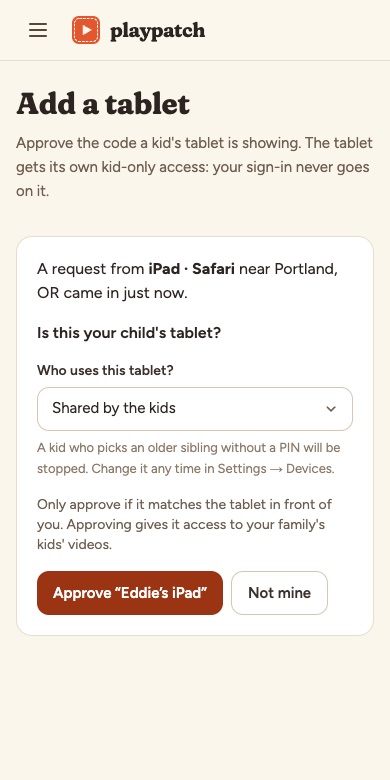
Open PlayPatch’s pairing page on the tablet and approve the code from your phone. The tablet is kid-only and never holds your password. Remove it any time.
 PlayPatch™ · beta
PlayPatch™ is a video app where you approve every video. Your kids watch a cozy library your family built, with no autoplay rabbit holes, no “up next” and no surprises.
For kids about 2 to 10. Works on iPad, iPhone, Android and TV browsers.
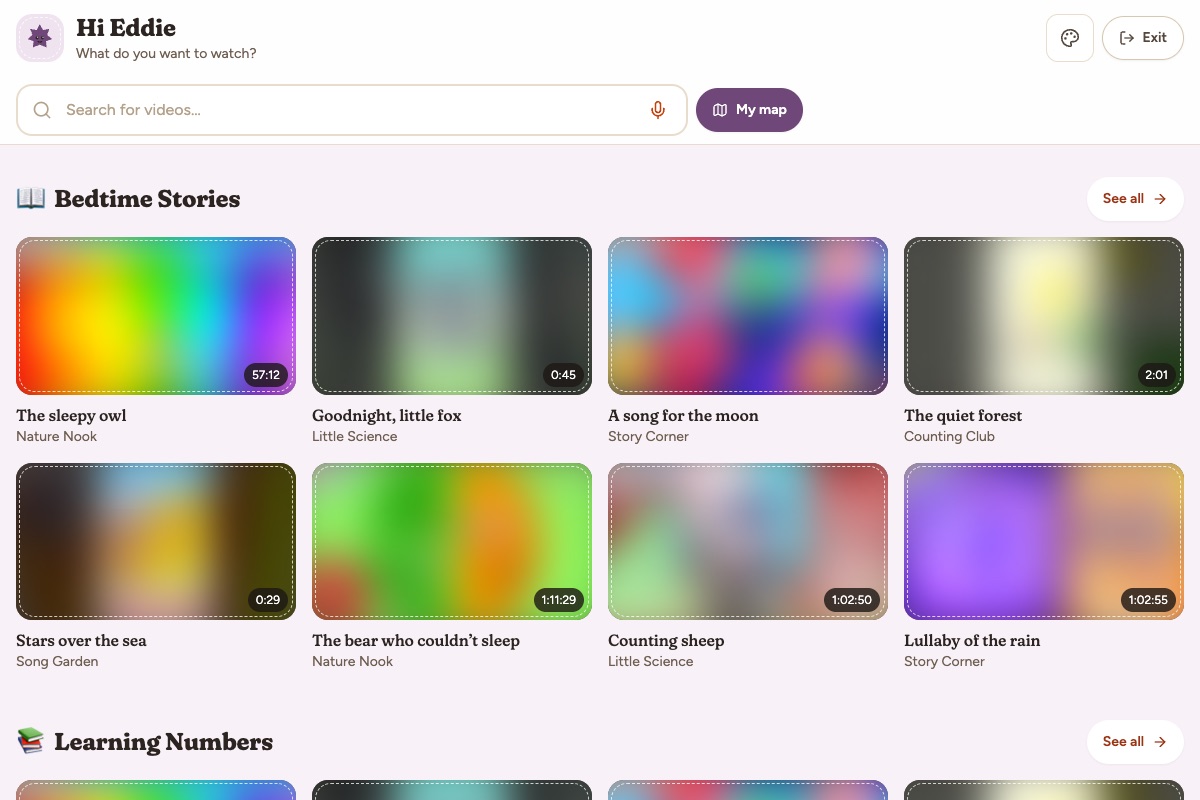
One innocent cartoon turns into twenty minutes of something you never chose. PlayPatch flips that around: instead of blocking the bad stuff after the fact, your child only ever sees the good stuff you picked. Your family, your library, your rules.
Easy to start
Follow your favorite YouTube channels, add a single video by link, search, or start from an optional starter pack. Starter packs are only suggestions to get going. You decide what stays.
Every video waits in your review queue. Approve it for one child or all of them, or skip it. Nothing reaches your kids until you say so.
Open PlayPatch on your child’s tablet, then approve the pairing code from your phone. No parent password goes on the tablet.
You’re the editor
PlayPatch isn’t a company-curated catalog. There’s no one else deciding what’s “good for kids.” You are.
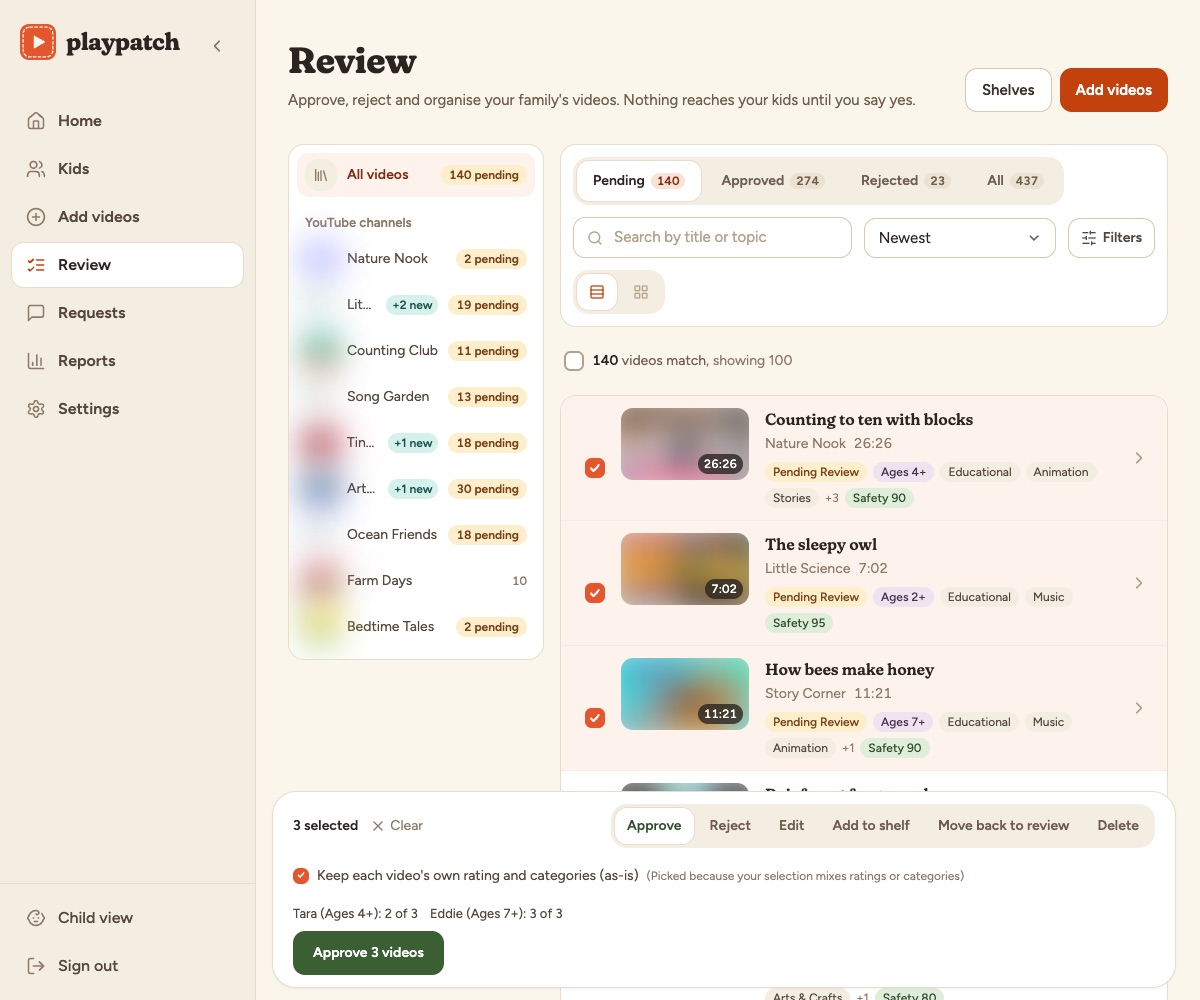
A calmer player
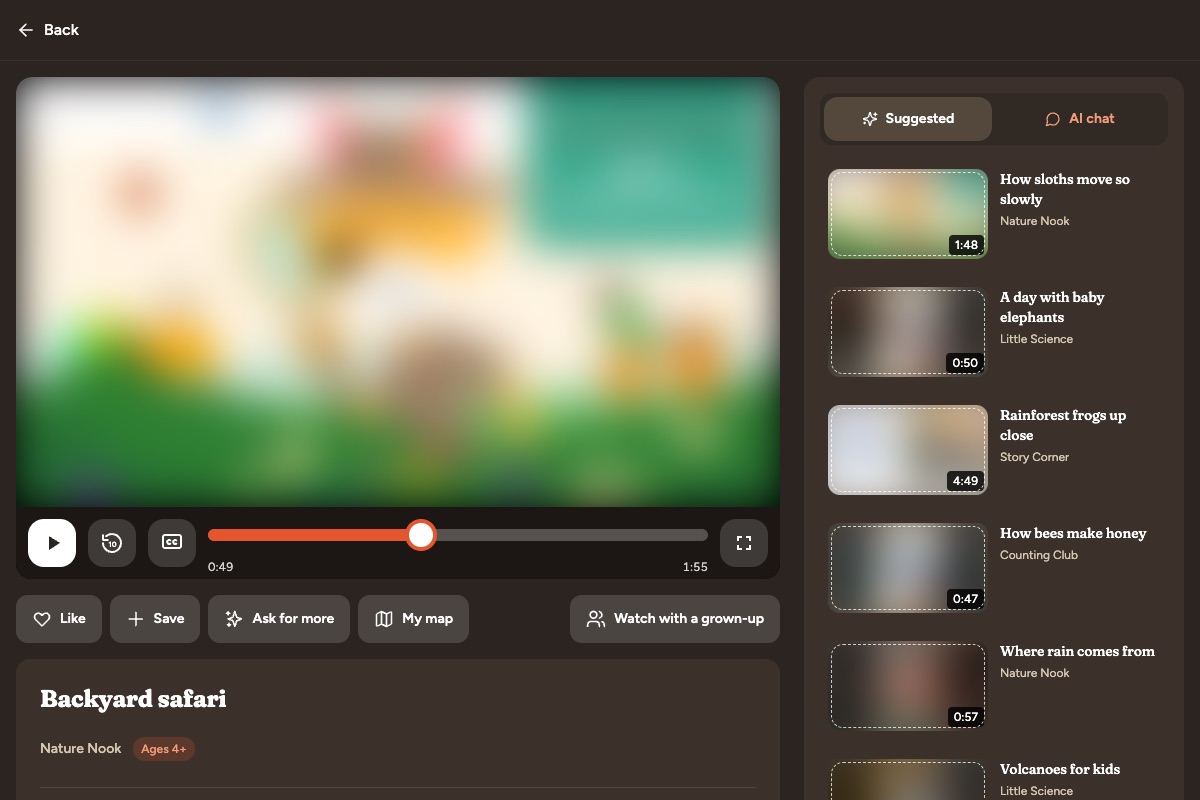
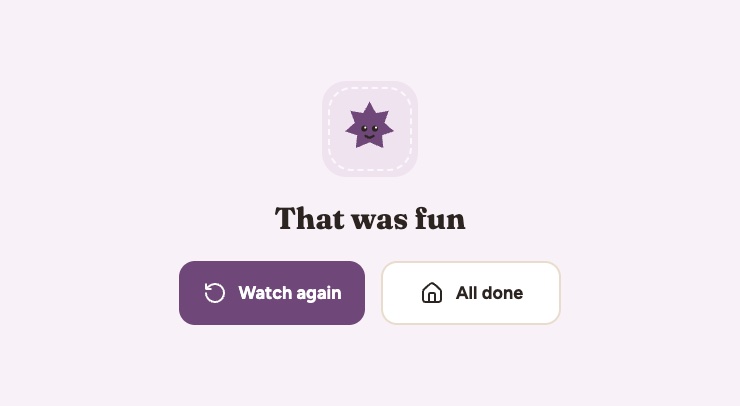
YouTube videos play inside PlayPatch’s own kid player, with the doors locked. No logo to tap, no links, no “copy link,” and no suggestions from YouTube: the only other videos on screen are ones you approved. When a video ends, your child sees a friendly “That was fun” card with Watch again and All done, not a new video they didn’t choose.
Curious minds
Kids ask “why?” a lot. PlayPatch’s optional AI helper answers questions about the video they’re watching, in words their age can read. Most chatbots only know a video’s title. PlayPatch works through approved videos ahead of time and notes what is said and shown, moment by moment, so when your child pauses to ask “what was that bird?”, the helper knows which bird.
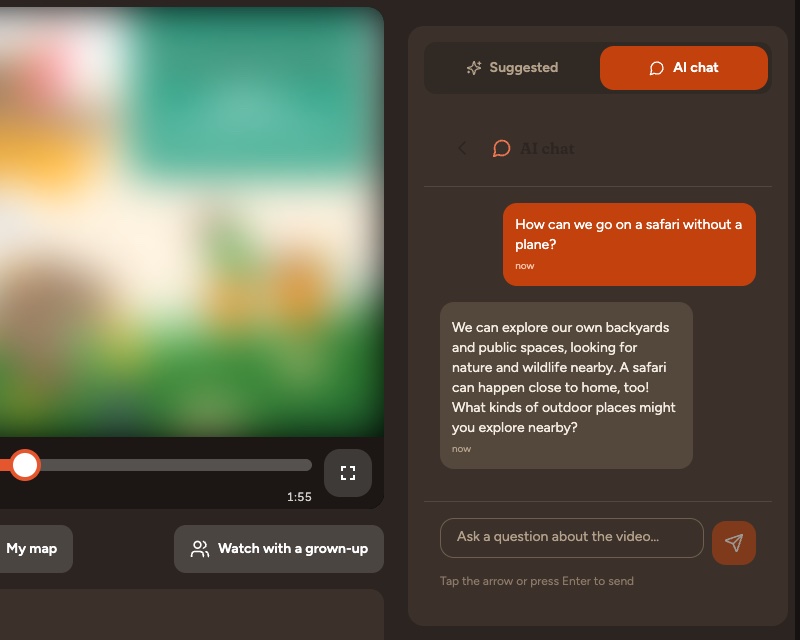
Before a change to the helper ships, we run it through 749 questions from two public child-safety benchmarks, with every filter and safeguard in place, exactly as a child would meet it. Every reply is graded, and the grading is checked by a second automated grader and by a person. In our latest run, 1 of 299 sensitive questions from children got an unsuitable reply, and all 29 questions about self-harm were pointed to help. We report the results as measured, including what we still need to fix: our child-safety results. The graded data and method stay private.
Peace of mind
The best part of PlayPatch is what’s missing.
Good to know: YouTube videos are shown through YouTube’s own embedded player, and YouTube may show its own ads inside it. PlayPatch adds none. Videos from your own Plex server have no ads at all.
Grows with them
Every child gets their own profile and their own way in.
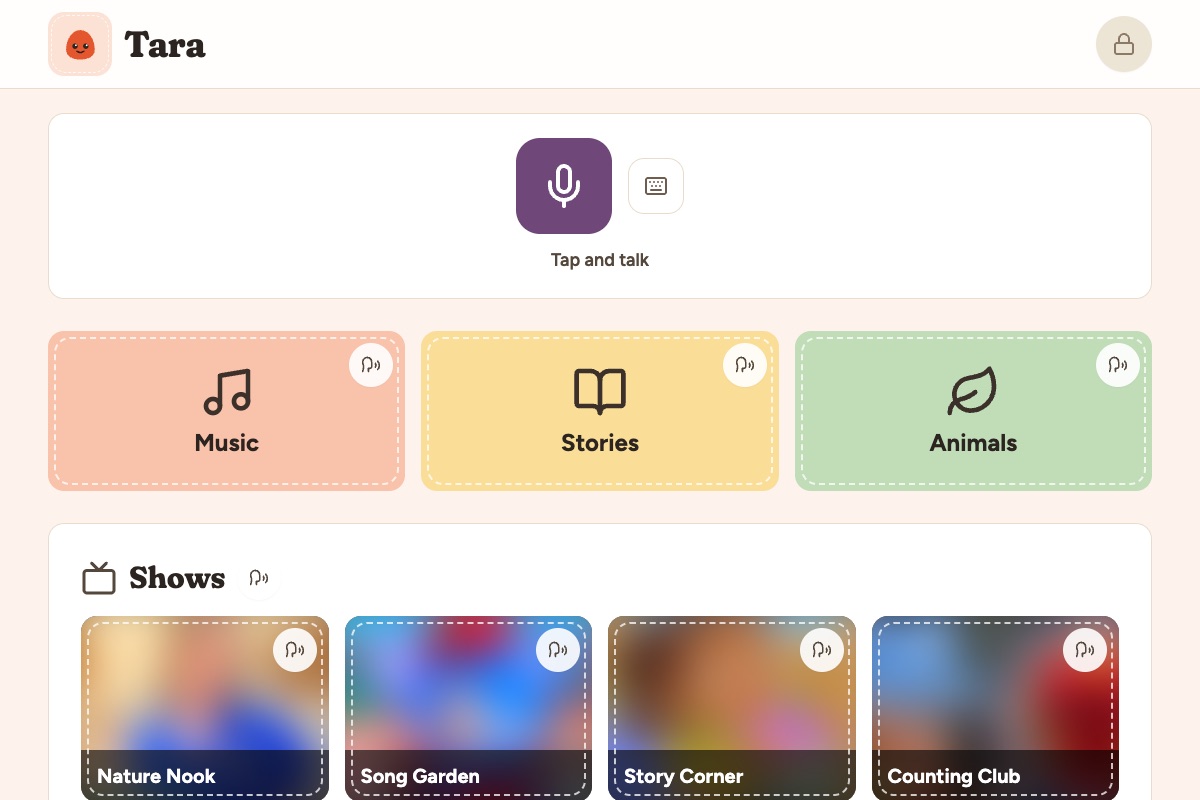
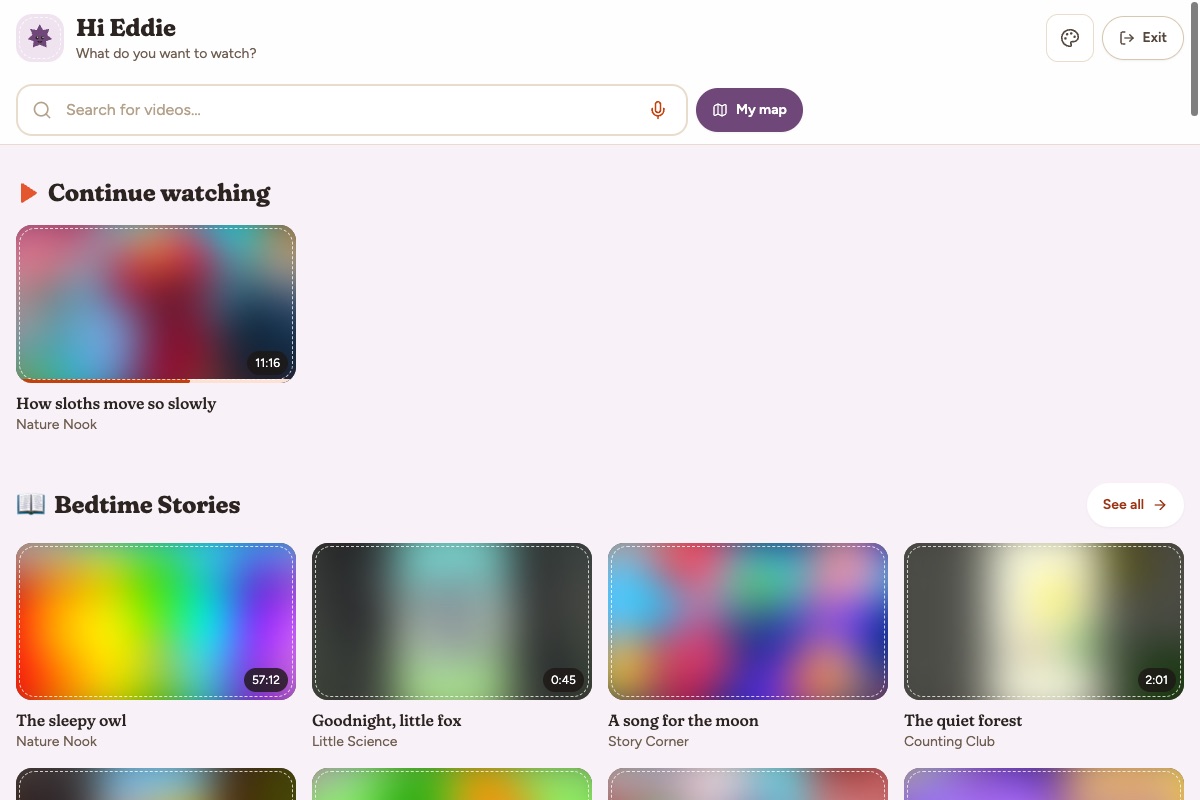
Available in English and Spanish.
Boundaries without the arguments
When time’s up, PlayPatch shows its own calm screen, so you don’t have to be the bad guy.
Know what they love
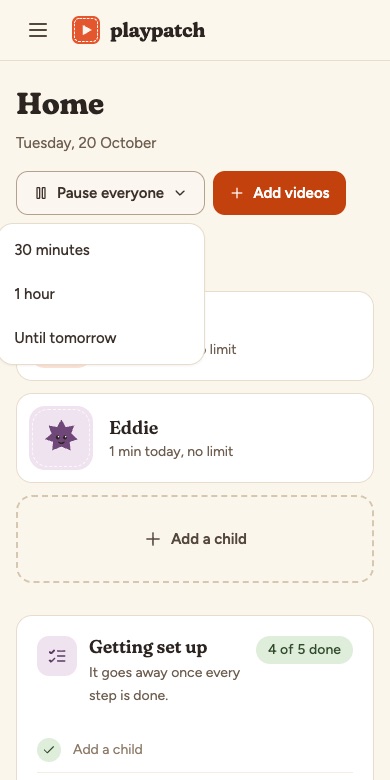
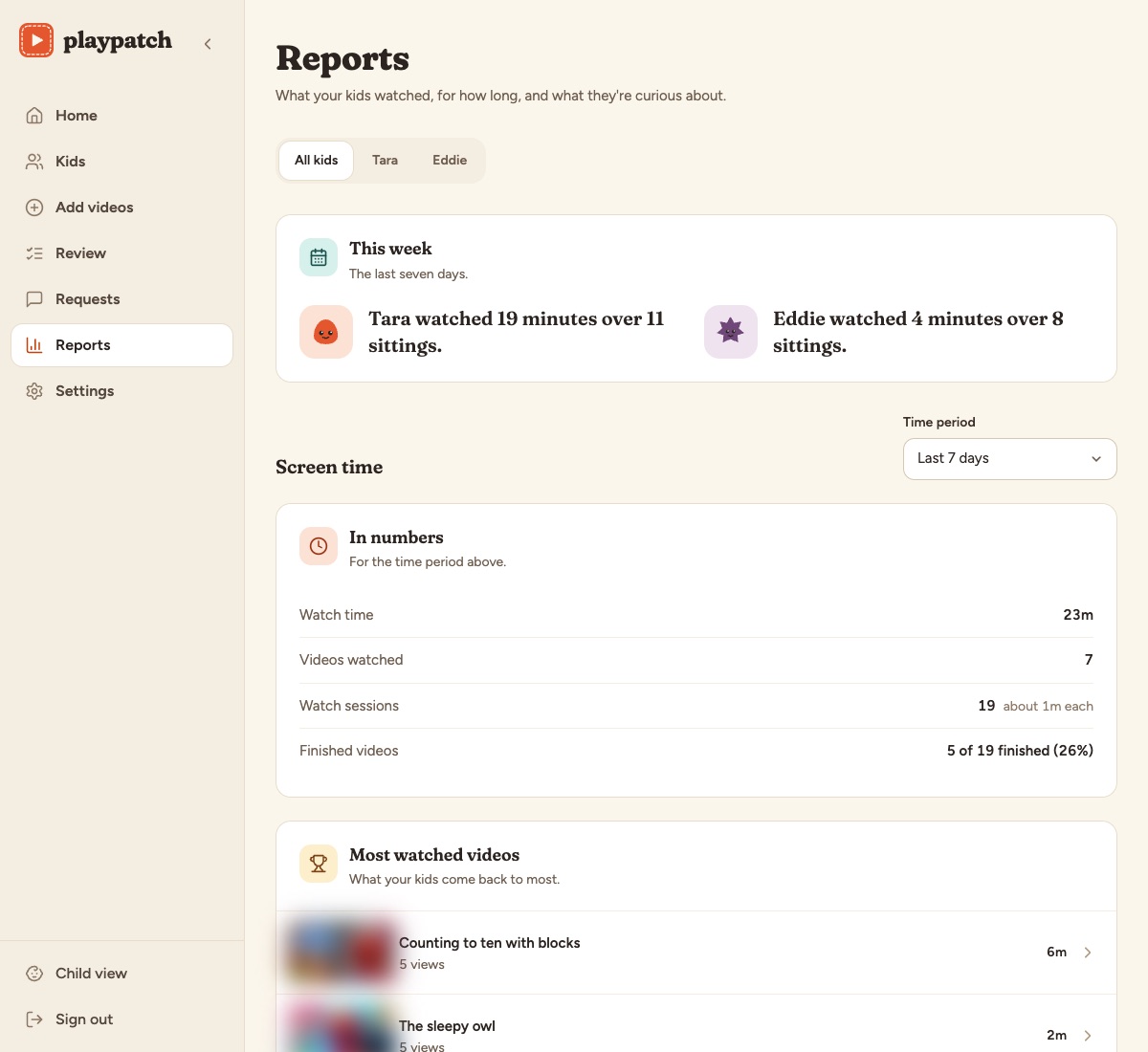
Reports show each child’s screen time and favorites, so you can talk about it at dinner and add more of what they love.
Works where your family does
Open PlayPatch’s pairing page on the tablet and approve the code from your phone. The tablet is kid-only and never holds your password. Remove it any time.
Add PlayPatch to the Home Screen on iPad, iPhone or Android for an app-like icon, with no app store download. A TV-friendly mode is included too.
Have a Plex server? Add your own movies and shows, and they stream from your server.
Trust
The details live in the PlayPatch privacy page, which describes what the service actually does.
Simple pricing
The hosted beta is open at playpatch.app. Prices are for the hosted version.
Pay what you like, from $1one time
Your payment also verifies you’re a parent, as children’s privacy law asks.
Most families
$4.99a month, or choose yearly
For bigger families and bigger libraries.
Prefer to run it yourself? PlayPatch’s code will be open source (AGPL) soon, for families who want to host their own.
Cancel Plus any time in Billing; it runs to the end of the period you’ve paid for, then your family moves to the free plan. The one-time payment that confirms you’re a parent, and tips, aren’t refundable except where the law requires. The terms have the details.
Good questions
From you. Add YouTube channels, playlists or single videos, or your own Plex library. Optional starter packs are suggestions to help you begin, and you can remove anything. PlayPatch doesn’t pick a catalog for you.
PlayPatch adds no ads and has no outside recommendations. YouTube videos play through YouTube’s embedded player, so YouTube may show its own ads in some of them. Your own Plex videos have none.
No. The YouTube logo, links, copy link and suggested videos are locked in the kid player, and videos don’t autoplay into something else.
No. Setting up a tablet is opening a page and approving a code on your phone. Day to day it’s approve, hand over, done.
PlayPatch runs in the browser and can be added to the Home Screen on iPad, iPhone and Android. There’s also a TV-friendly mode.
Yes, if you want one. It answers questions about the video your child is watching, at their reading level, and you can turn it off for any child. Children under 5 only get it if you switch it on. We test it against public child-safety benchmarks and publish the results: how we test the AI helper.
PlayPatch is in early access: sign up at playpatch.app and start right away. Things may change as we learn, and your feedback (hello@playpatch.app) shapes what we build next.
Yes. PlayPatch’s code will be open source (AGPL) soon.
Join the PlayPatch beta and add the first videos you trust. Nothing reaches your kids until you approve it.
PlayPatch is free to start, and optional tips unlock nothing. If you’d like to help us keep building it: Support Side Quest Nexus on Ko-fi (external link).